
Optimized for iPhone Duo
Safari
Apple
Duo Features
How this app behaves on Duo
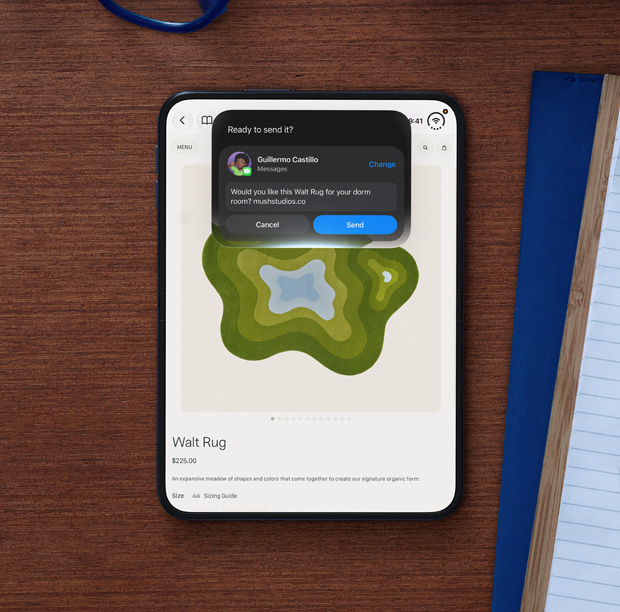
Safari on iPhone Duo is Apple’s named example of two windows from one app: two pages side by side for comparison shopping, with the pair savable like any other Split View combo. Each window still has to resize independently, because a page that assumes a single iPhone width will look wrong when it only owns half of the inner display.
Copyable developer patterns
01
Two scenes from one appDuo can open two windows of the same app. If you already support multiple UIWindowScene instances on iPad, you are closer to Safari’s comparison layout than a URL-scheme hack.
02
Half-width size class per windowEach Safari window must resize on its own. Test the compact half of Split View so comparison UI does not still assume the full inner canvas.
Screenshots
Closed, open, and folded — only stills Apple has published.
FAQ
How does Safari work on iPhone Duo?
Safari on iPhone Duo is Apple’s named example of two windows from one app, shown side by side for comparison shopping. Each window still has to resize independently for half of the inner display.
Is Safari’s two-page layout a Safari-only API?
No. Multi-window on iPhone Duo reuses scene-based windowing. Apps that already open multiple UIWindowScene instances on iPad are the ones that can follow this pattern.
Last updated